Non-planar slicing for stronger parts on a 3-axis printer
A non-planar slicer curves layers in Z instead of stacking flat slices. Unlayered Slicer runs those layers along the part's load path, so fewer layer boundaries cross the direction it is loaded in. It works on ordinary 3-axis printers: Bambu Lab, Prusa, Creality and Klipper.
Why flat layers make weak parts
The bond between layers is weaker than the plastic itself, so FDM parts break along layer lines. Flat layers put those lines across any load that isn't horizontal: a curved bracket, hook or arch printed flat has layer lines cutting across the curve. Reorienting only helps when one orientation lines the layers up with the load, and curved parts don't have one.
Curving layers along the load path
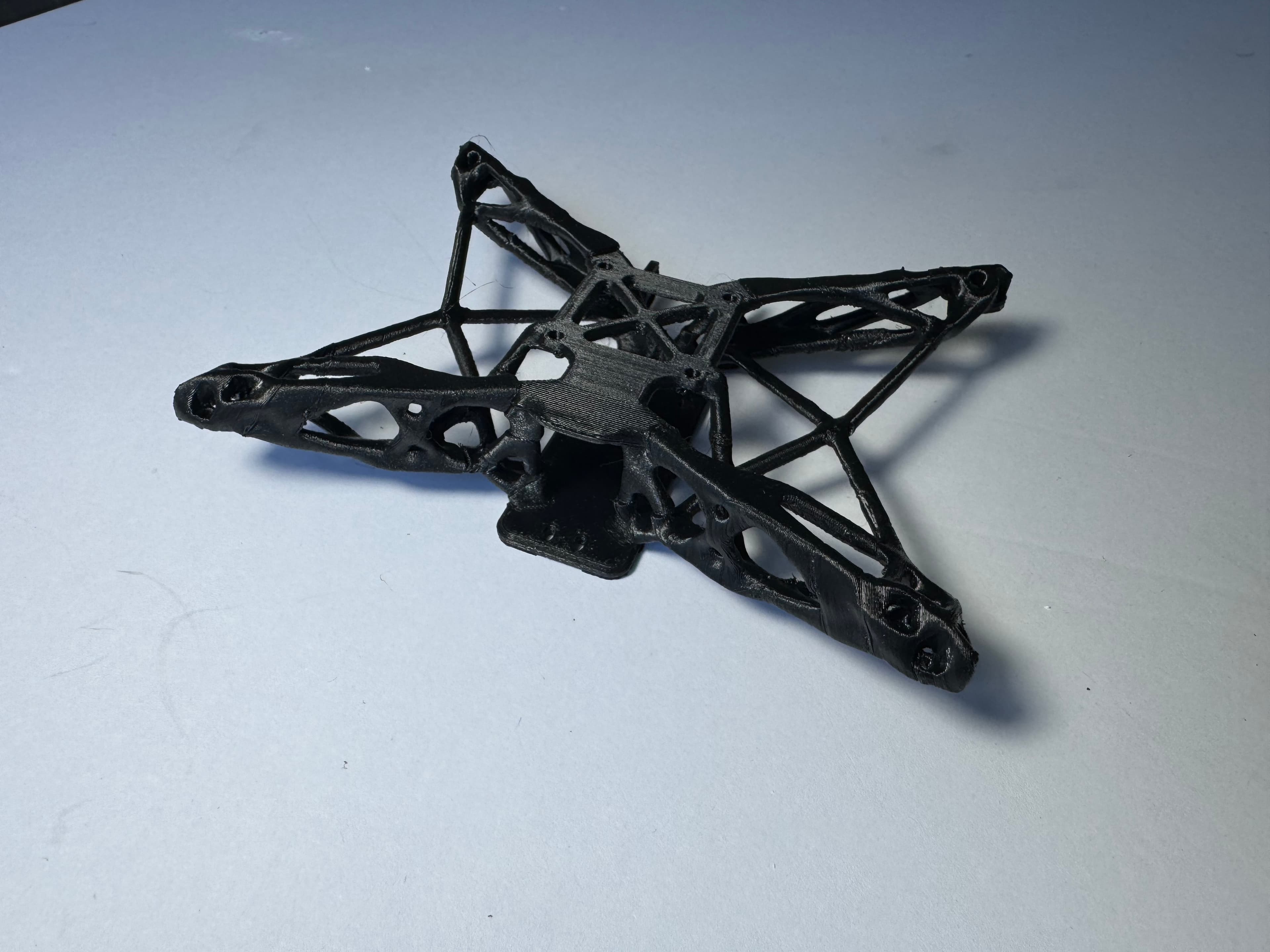
Non-planar slicing moves the nozzle in Z while it extrudes, so a layer follows the part instead of a fixed height. Unlayered Slicer curves layers through the body of the part along the load path, leaving fewer layer boundaries across it.
The 3-axis limit: nozzle clearance
The nozzle always points down, so as a layer steepens, the heater block, sock or fan duct reaches the part first. Your toolhead sets the maximum curve. For steeper paths, a 5-axis printer tilts the part instead, using the same slicer.
Built into an OrcaSlicer fork
Non-planar printing has mostly meant research code or G-code post-processing scripts. Unlayered Slicer builds it into OrcaSlicer, so your printer and filament profiles carry over. More options in how to make 3D prints stronger.