Unlayered Slicer: 5-axis slicing and overhangs without supports
A 3D printer slicer built on OrcaSlicer that adds non-planar and 5-axis slicing, wave overhangs and fewer multicolor filament swaps, for the Bambu Lab, Prusa, Creality or Klipper printer you already own.
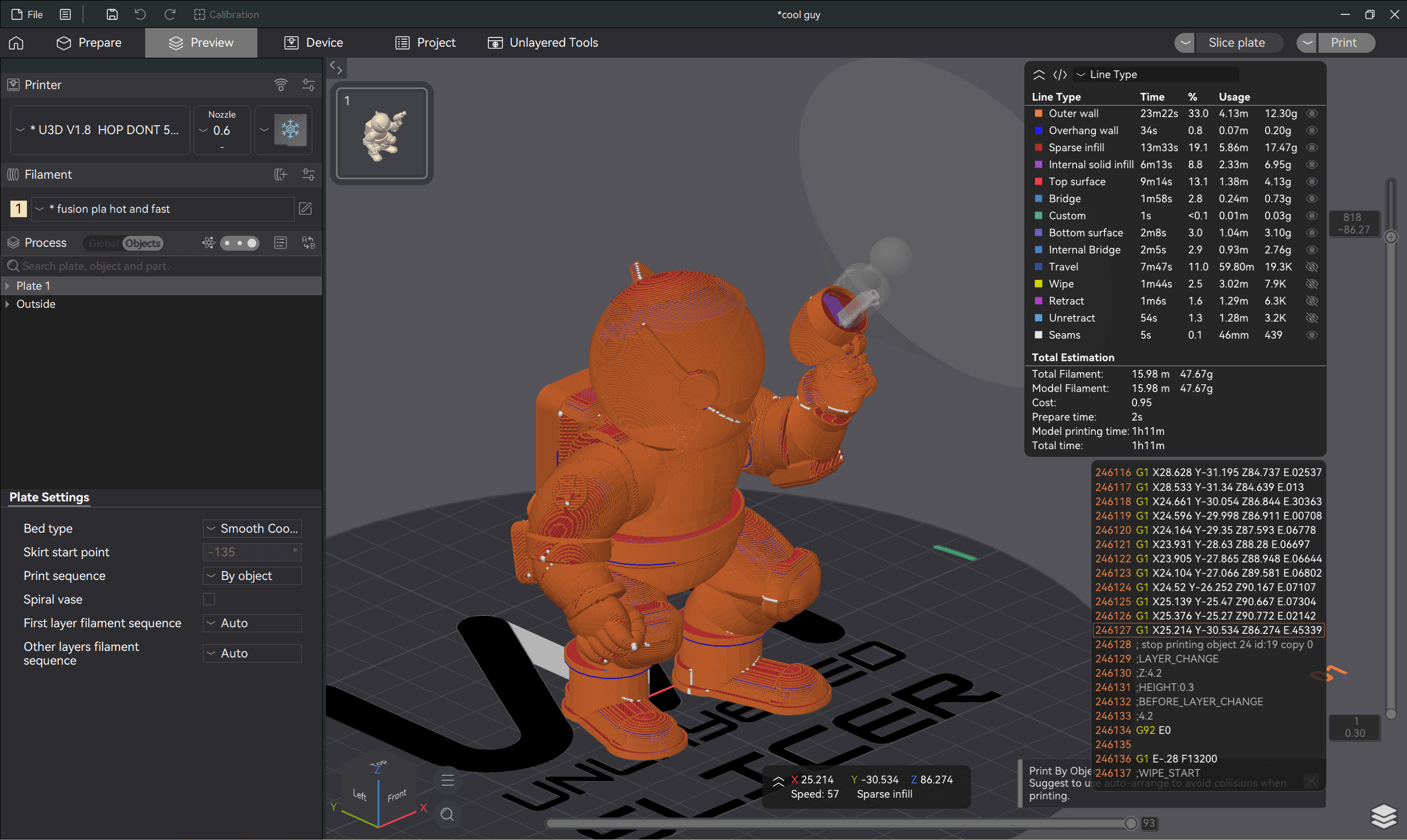
What it adds to OrcaSlicer
Non-planar slicing on a 3-axis printer. Layers curve along the load path, so fewer layer boundaries cross it. Non-planar slicing.
Wave overhangs. Flat 90° overhangs grow outward from their supported edge, no supports needed. Printing without supports.
Fewer filament swaps. Printing in planes cuts color changes, and every skipped swap is purge saved. Reducing filament waste.
5-axis toolpaths. The part tilts so overhangs are built on the material below. 5-axis slicing.
Plus tools aimed at print speed and part strength, all built in: no post-processing scripts or hand-edited G-code.
Built on OrcaSlicer
You keep OrcaSlicer's interface, calibration tools, scarf seams, tree supports and profiles for Bambu Lab, Prusa, Creality, Voron, Klipper and Anycubic. Switching from OrcaSlicer takes minutes.
It is in beta, and wireless printing to Bambu Lab printers isn't supported yet. For full 5-axis motion, it drives the Unlayered desktop 5-axis 3D printer.
Frequently asked questions
Is Unlayered Slicer free?
Yes. Download Unlayered Slicer for free on Windows, macOS and Linux.
Does it work with Bambu Lab printers?
Yes. It ships OrcaSlicer's Bambu Lab profiles, including the X1C, P1S, P2S, A1 and A1 Mini, and wave overhangs and fewer filament swaps work on them. Wireless printing to Bambu Lab printers isn't supported yet, so you export the sliced file and print it from the microSD card.